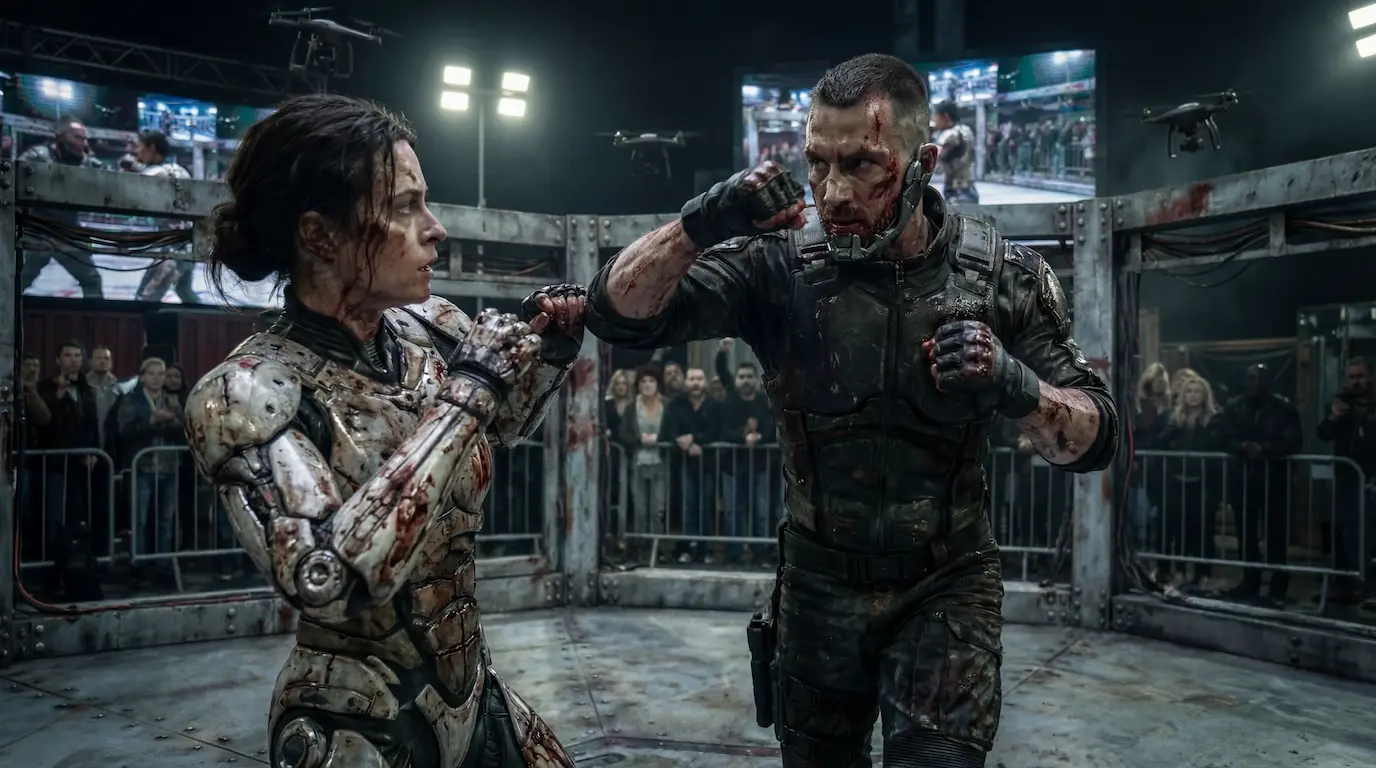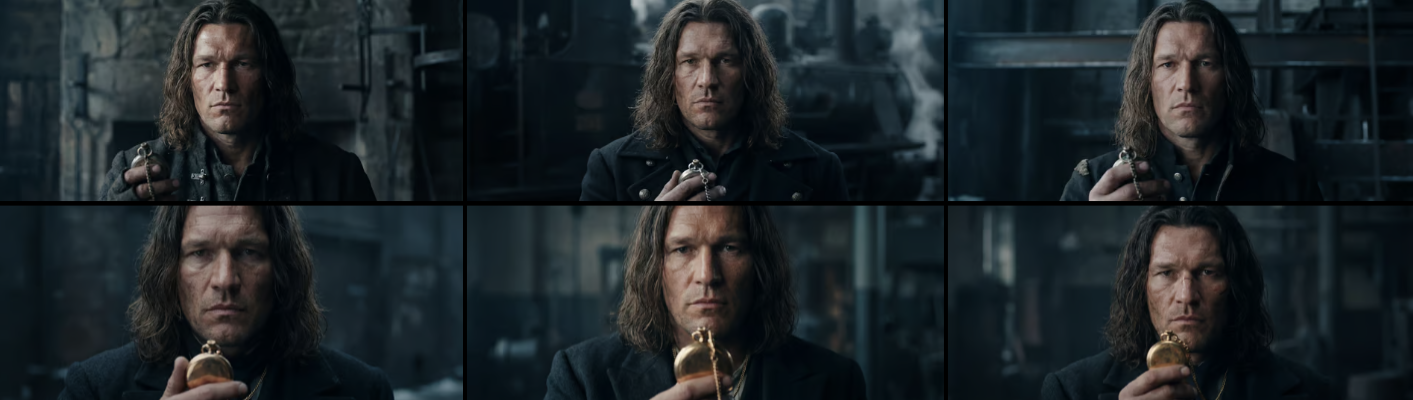
A behind-the-scenes look at my EditRave 2025 challenge workflow using Adobe Premiere Pro and AI tools for music, SFX, transcript search, and creative editing decisions.
This year I participated in the EditRave 2025 editing challenge — a friendly, community-driven competition where editors work with real film footage and create their own interpretation of a scene. There are no winners or losers here. The main goal is to practice, experiment, and improve your editing craft.
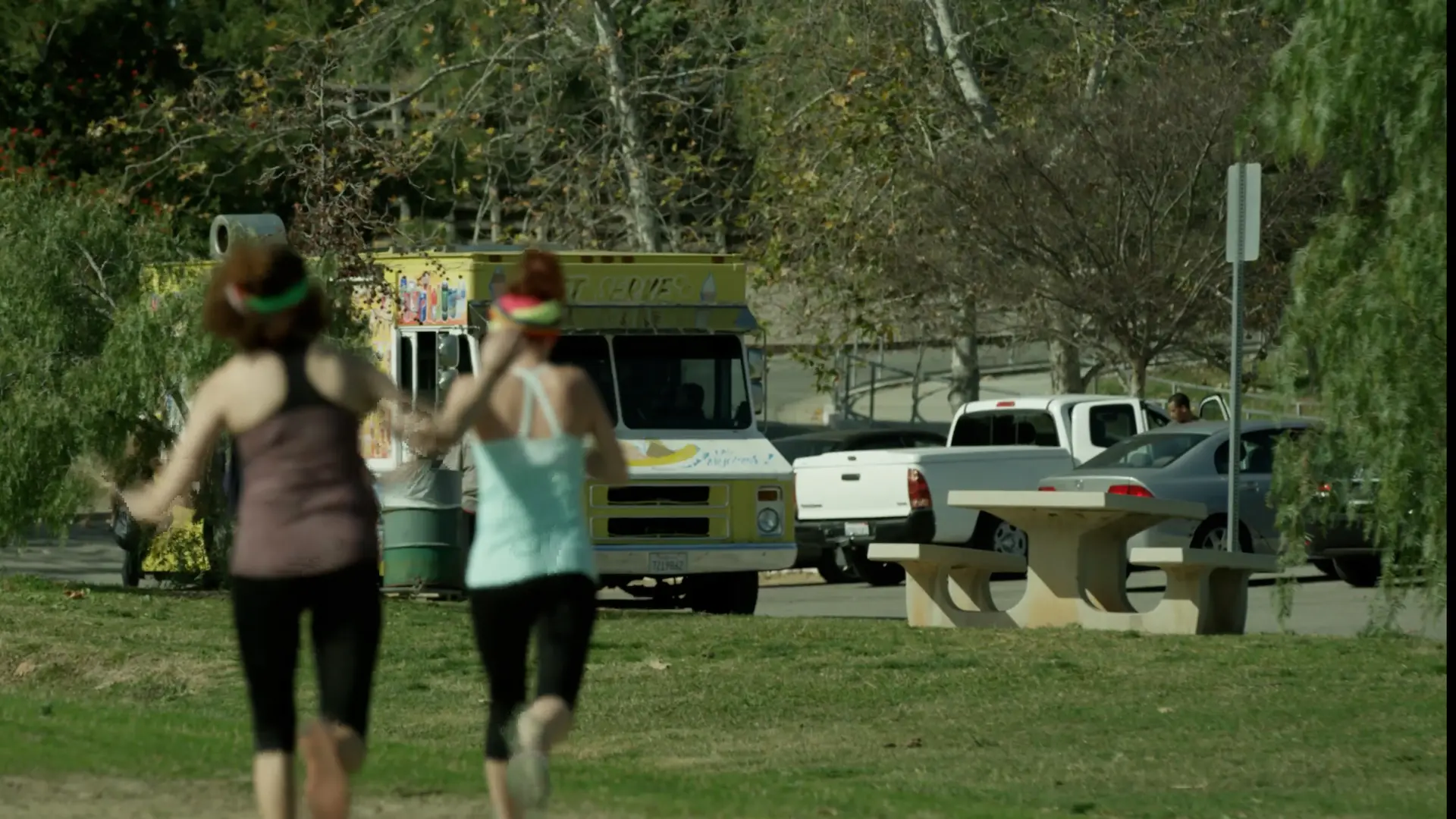
The provided footage came from the comedy short film “Jogging Leads to Ice Cream” — a playful five-minute story about two girls who want to start running but always end up eating ice cream instead. Each participant could choose any part of the film to edit.
I’ve worked with EditStock footage before (last year I edited a horror scene), but this was only my second attempt at editing comedy — and that alone made the challenge exciting.
Why I Used Adobe Premiere Pro for EditRave 2025
Since the challenge didn’t require a full color grade, I chose to work in Adobe Premiere Pro. It’s the editing software I feel most comfortable with when I need to quickly assemble a cut.
Another helpful feature was Premiere’s ability to slightly extend a frame if you’re missing just a tiny piece of footage.
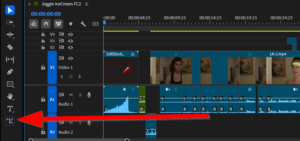
I thought I might need this feature, though in the end everything fit perfectly. Still, having it available influenced my choice. Sometimes the right tools simply give you creative peace of mind.
How AI Tools Enhanced My Editing Workflow
This year, I added a new component to my process: AI assistance. It made the workflow faster and more flexible, especially during the idea-generation and organization stages.
1. AI-Generated Music and Sound Effects
Instead of spending hours browsing music libraries, I generated:
- a sports-style beat for the jogging sequences;
- a fun melody inspired by ice-cream truck music for the comedic moments.
Usually I get what I need within four or five attempts — which is still much faster than traditional searching. This saved a lot of time and gave me creative freedom to test different tones.
2. Creating a “Film Editing Coach” Chat
I set up a dedicated chat containing:
- excerpts from editing books,
- the film script,
- transcripts of all available footage.
Then I asked the AI for editing ideas, pacing suggestions, and alternative comedic rhythms. It didn’t “edit” for me, but it offered dozens of options that sparked new creative decisions.
3. Fast Transcript Search and Take Organization
One of the most useful AI features was the ability to quickly search through:
- transcripts,
- director-approved takes,
- rejected takes,
- specific timecodes,
- character or action moments.
This felt like having a personal editing assistant: “Find the take the director preferred” or “Show all versions of this line,” and the AI delivered instantly. It saved a lot of time during the discovery and selection stages.
Why I Participate in Editing Challenges
I don’t join challenges to win — I join them to stay in shape, the way athletes keep training all year round.
Editing requires constant practice, exposure to different genres, and fresh material. And if your cut gets reviewed by Josh Beal, that’s a great bonus — but not the main motivation.
What I Learned from EditRave 2025
- AI tools can significantly speed up the early editing stages.
- Premiere Pro remains a great choice for assembling fast, timing-heavy edits.
- EditStock footage provides rich material for practice and portfolio building.
- Comedy editing sharpens intuition — a skill useful in every genre.
- A hybrid workflow (Premiere + AI) offers both speed and creative exploration.
Final Thoughts
If you’re a video editor at any level, I highly recommend participating in challenges like EditRave. They help develop your rhythm, improve your creative decision-making, and expand your portfolio. And with today’s AI tools, the entire process becomes faster, more flexible, and genuinely fun.
Would you try an editing challenge like this? Or experiment with AI in your editing workflow?
Feel free to share your thoughts — I’m always curious how others approach their craft.
Need a video like this for your brand?
I produce cinematic AI video ads for brands and agencies — from concept to final edit.