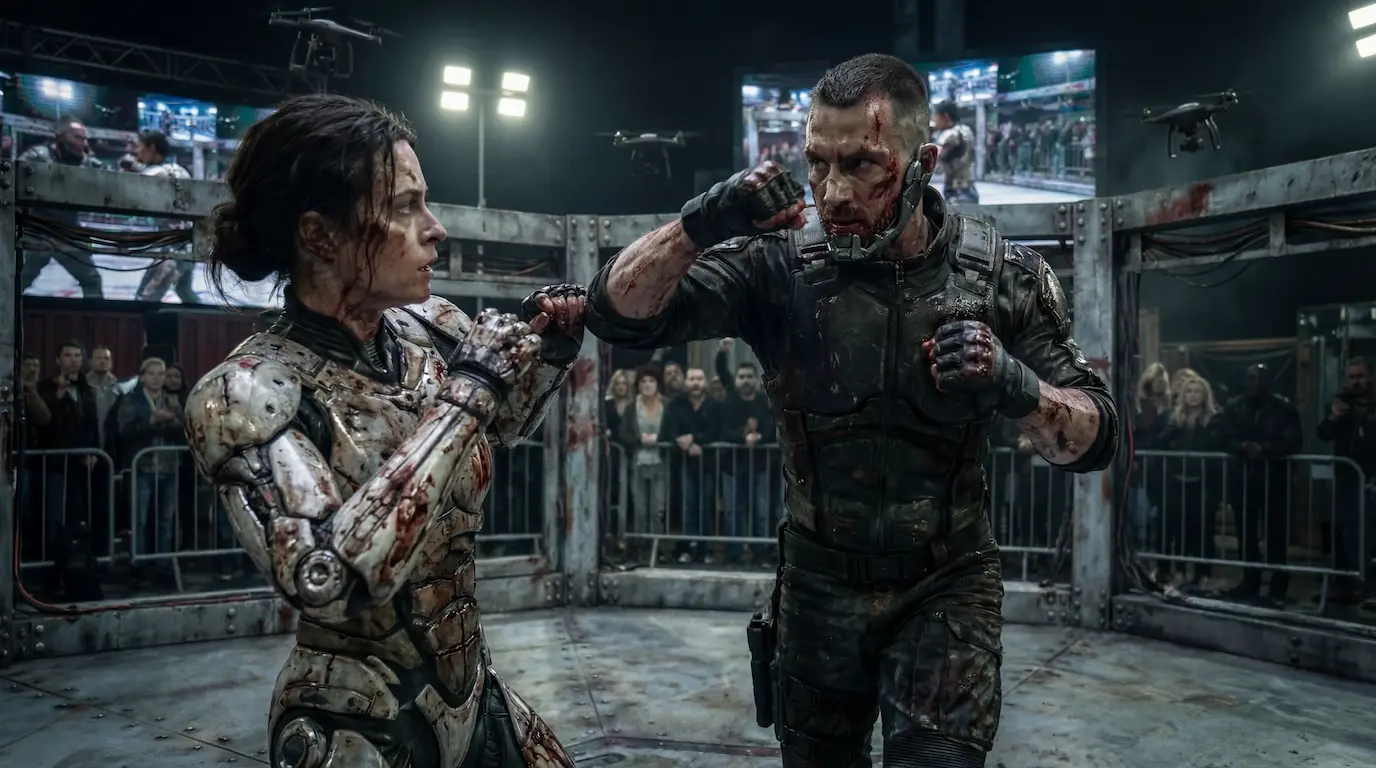
I’ve wanted for a while to create a promotional video entirely using AI video. I’m genuinely interested in blockchain and Web3, so I decided to combine these interests into one project and see how realistic it is today to build AI-driven visual content from idea to final video.
This is not a tutorial or a step-by-step guide. It’s more a set of working notes from the process itself: what worked, what broke, and where time, tokens, and money actually go.
Why I Chose Higgsfield?
For this project, I chose Higgsfield, and at the moment it’s my main tool. The main reason is the number of features and the way subscriptions are handled.
Higgsfield offers plans with unlimited usage for certain tools, which completely changes the economics of working with AI. In AI-driven creative work, most resources are spent not on the final render, but on experiments, tests, and failed attempts. Almost nothing works on the first try.

From that perspective, unlimited plans for certain models often make more sense than strict credit-based systems. On top of that, the platform is actively evolving, with new tools and updates appearing regularly.
Image Generation: NanoBanana Pro and Seed Dreams
My main image generation algorithm was NanoBanana Pro. It’s free up to 2k for now in Higgsfield, and I wrote all prompts using ChatGPT. At this point, ChatGPT is essentially a full-fledged prompt engineer — it produces long, detailed prompts that often work well.

That said, based on Higgsfield tutorials and other creators’ experience, one important thing became clear: prompts don’t have to be extremely long. Sometimes a short, well-defined description of the action works just as well — or even better.
I also experimented with Seed Dreams, and my relationship with it has been mixed:
- sometimes it produces genuinely strong results;
- sometimes the output is quite random;
- it feels like negative prompting doesn’t always work as expected;
- realism can be inconsistent.
NanoBanana isn’t perfect either and can glitch at times, so I often switched between the two and chose the best result.
NanoBanana

Seedream 4.5 (same prompt)

Character Consistency Without Separate LORA Training
One pleasant surprise was how character consistency works. Previously, achieving this required building a dataset, training a LoRA model, and integrating it into the pipeline.
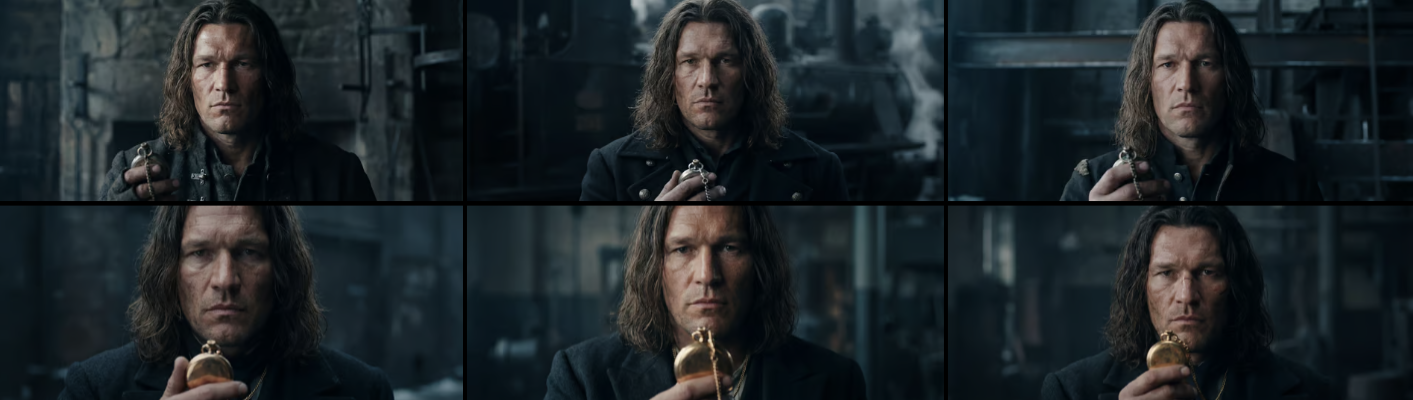
Now the process is much simpler: you take an image of the character, add it as a reference, and specify that it should be used for consistency. If multiple angles are required, it’s better to generate several images in advance and use them all as references.

In my case, most shots were close-ups, so a single reference image was enough. That said, it’s important to be realistic: 100% consistency still doesn’t exist. Even with the same prompt, images vary slightly, and usually one out of several versions is noticeably better than the rest. A significant portion of tokens is spent precisely on this selection process.
Used same prompt, same model, same refernce

Why Close-Ups Work Best
One clear observation: AI currently handles close-ups and extreme close-ups much better than anything else. If realism is the goal, close-ups are almost always the safest choice.
On medium and wide shots, quality drops quickly. If the character starts talking in a medium shot, things tend to fall apart. I haven’t yet tried a model that can consistently handle realistic dialogue in medium shots without visible artifacts.
Video: NanoBanana, Cinema Studio, and Kling
I ended up creating two versions of the video.
The first version used NanoBanana Pro + Kling 2.6
The second version used NanoBanana + Cinema Studio in Higgisfield.
In the second workflow, I experimented with images in NanoBananaPro, selected the strongest frames, and then processed them through Cinema Studio, which is a proprietary Higgsfield tool.
The strongest feature of Cinema Studio is its camera profiles. I haven’t seen another tool where you can select camera setups so easily and still get a cinematic result. One important detail: if you simply upload an image into Cinema Studio and hit Generate, it may alter the image. It’s better to explicitly specify that the image should remain unchanged.

Compared to Kling:
- camera movement in Higgsfield can be selected directly, without manual prompting;
- this is fast and convenient;
- however, Kling is still more stable and “smarter,” especially when there’s active motion or interaction in the frame.
Cinema Studio works best for calm, smooth scenes without complex dynamics.
Artwork and Reference Risks
One important issue came up with artwork generation. In one scene, the character is sitting at an exhibition, and I wanted to check whether the AI would generate something too close to real artists’ work.

The issue turned out to be more serious than expected. In some cases, it reproduced artworks almost one-to-one, effectively pulling visual references from the internet. In the final version, I replaced those images with randomly generated artwork in Photoshop to avoid direct similarities.

If you plan to use AI-generated visuals commercially, this is definitely something to double-check.
Music, Sound, and Voice
Music was generated using Suno. There’s an important licensing detail here: for commercial use, you must have an active paid subscription at the moment the track is generated. The actual risk might be low, but I prefer not to test it.
It took about four attempts to get a usable music track. Prompts were again written with ChatGPT. If the generated prompt is too long to fit, asking for a shorter version usually solves the problem.
Sound effects and voice were generated with ElevenLabs.
ElevenLabs has released their new third-generation model. Below, I’ll let you compare two audio tracks — the same text, the same voice. One was generated using version two, and the other using version three.
V2
V3
One interesting observation: long, detailed prompts work worse for sound effects than short descriptions written in plain language. The biggest advantage is not having to dig through large libraries — you generate, download, and use the result immediately.
Example of long prompt:
subtle distant fire ambience,
very quiet crackling,
warm low-frequency sound,
no sharp pops,
no echo,
no wind,
ancient interior atmosphere,
cinematic, minimal, restrained,
background ambience only
Short prompt:

I also tested the new third voice model. The difference compared to earlier versions is very noticeable: the voice sounds significantly more natural and alive, even with the same script.
Final Thoughts
This project once again confirmed a simple idea: AI is not about pressing a button and getting a finished result. It’s a process of constant experimentation. Most resources are spent not on final output, but on searching for the right result.
At this stage, Higgsfield feels like one of the most convenient tools for this type of work — thanks to its subscription model, range of algorithms, and active development. Going forward, I plan to explore it further, especially in video workflows and character-based projects.
Need a video like this for your brand?
I produce cinematic AI video ads for brands and agencies — from concept to final edit.